Table Information Dialog Box
IN THIS PAGE
Description
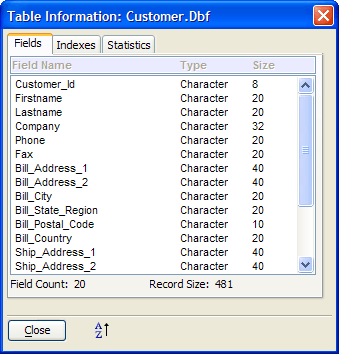
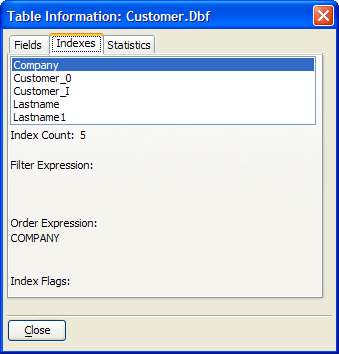
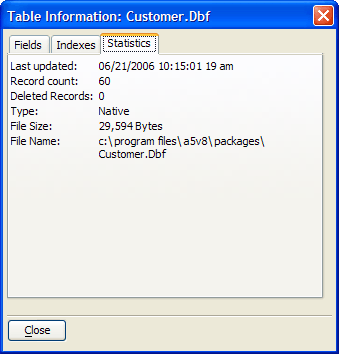
When the Tables/Sets tab of the Control Panel is visible, select a table and click Table > Properties to display the Table Information dialog box. The Table Information dialog box displays the following information about a table:
Fields :
Name, Field Type, Size
Indexes :
Name, Filter Expression, Order Expression, Sort Flags
Statistics :
Last update date and time, Record Count, Deleted Records, Type, File Size, File Name and Path
See Also