Xbasic
Use AI to generate SQL queries
IN THIS PAGE
Description
Use the SQL Query Builder’s AI integration to describe the data you want and let AI draft the SQL for you, with schema-aware assistance.
Open The AI SQL Builder
In the Query Builder, open the Query dropdown and choose the AI menu item.
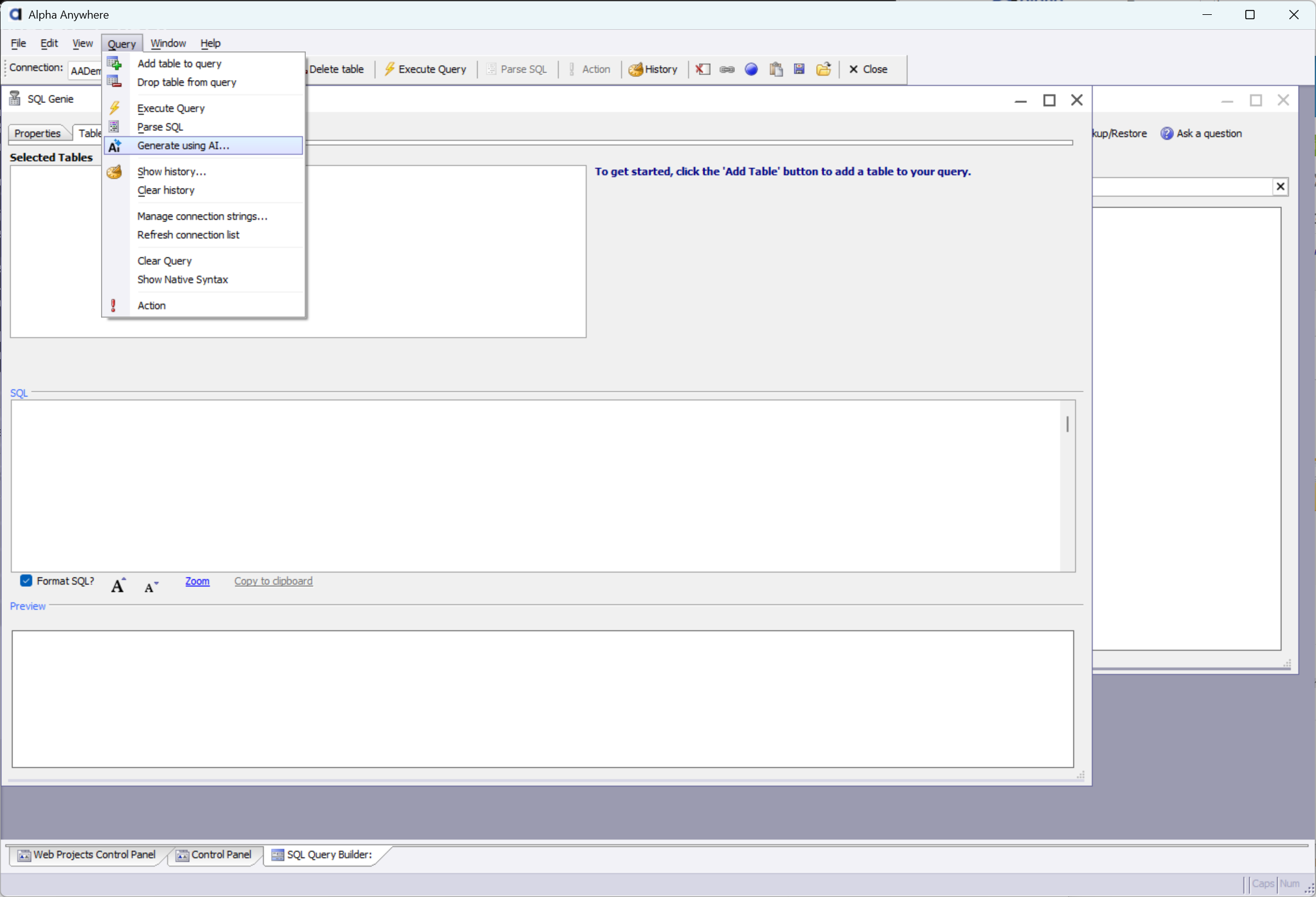
AI Menu In Query Builder
Review Active Schema
The builder shows the active table schema as a reference. The same schema is also supplied to the AI so it can map names correctly.
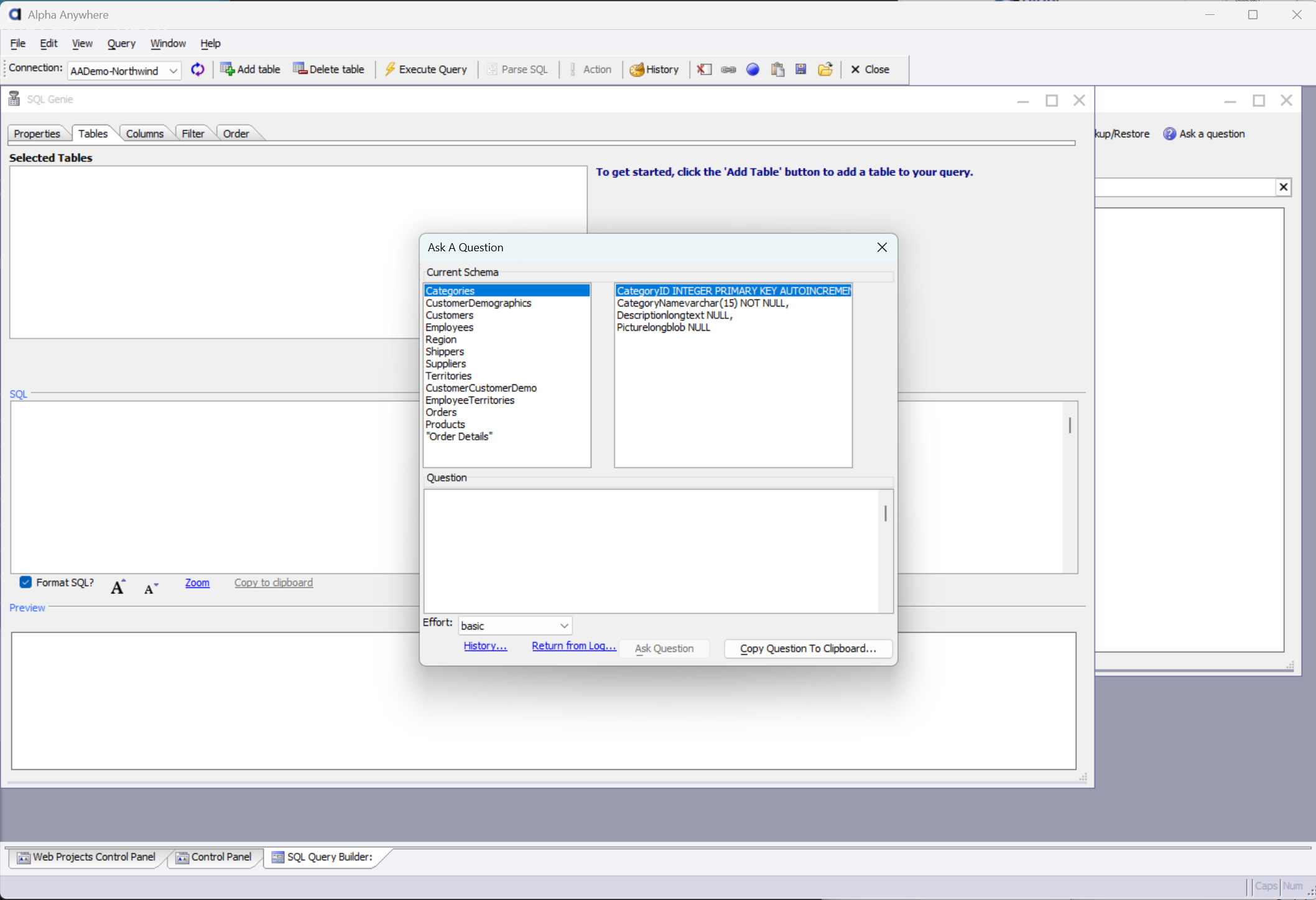
Schema-Aware Builder
Describe The Records You Want
Type a natural-language prompt describing the records to retrieve.
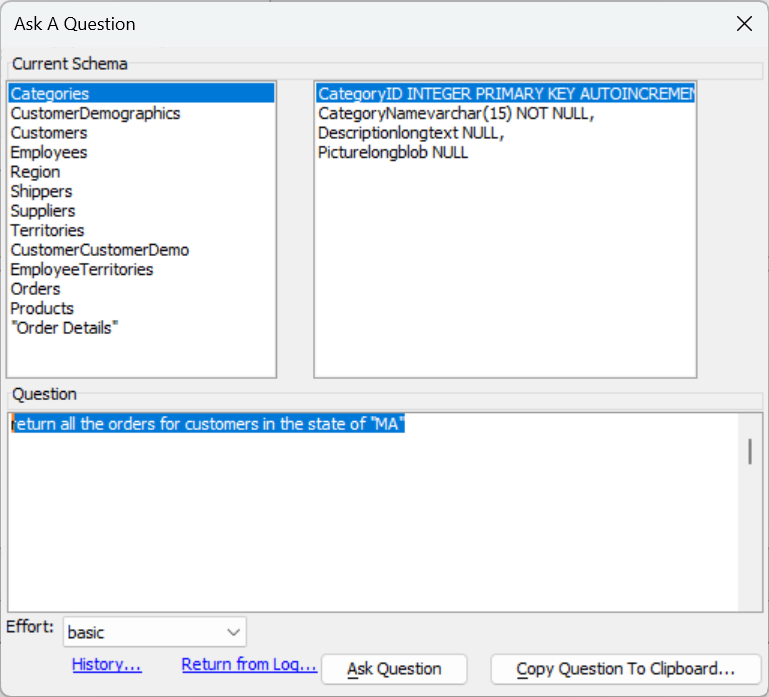
Prompt Entry
Review And Apply The Result
If an appropriate SQL expression is determined, the SQL field is filled in for you. Review and apply as needed.
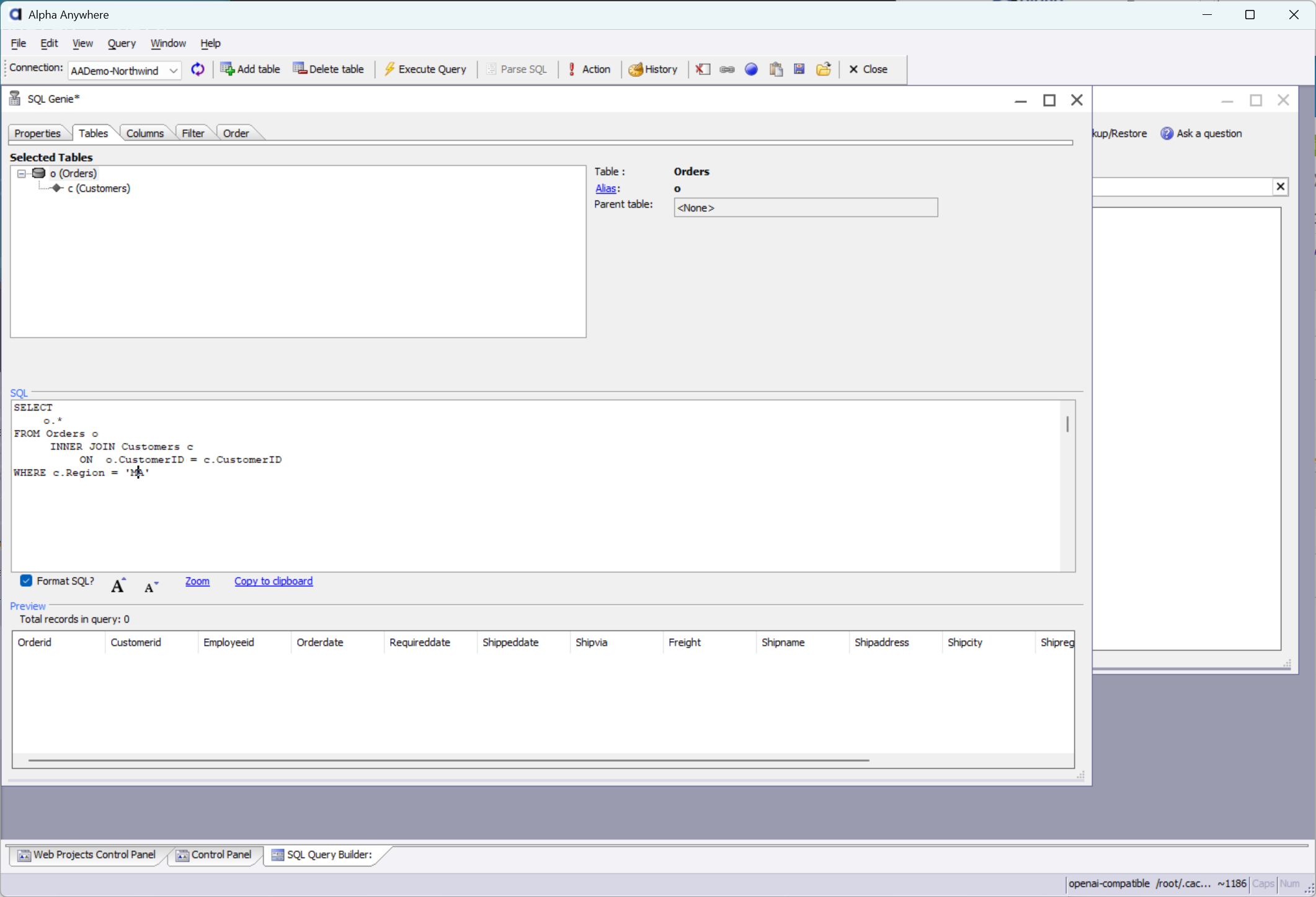
Generated SQL