The AI Agent
Description
The AI Agent provides a prompt-driven interface within the Web Control Panel to assist with generating and editing Alpha Anywhere web pages and Xbasic libraries.
Overview
The AI Agent provides a prompt-driven way to perform common tasks in your Alpha Anywhere web projects from the Web Control Panel.
Access
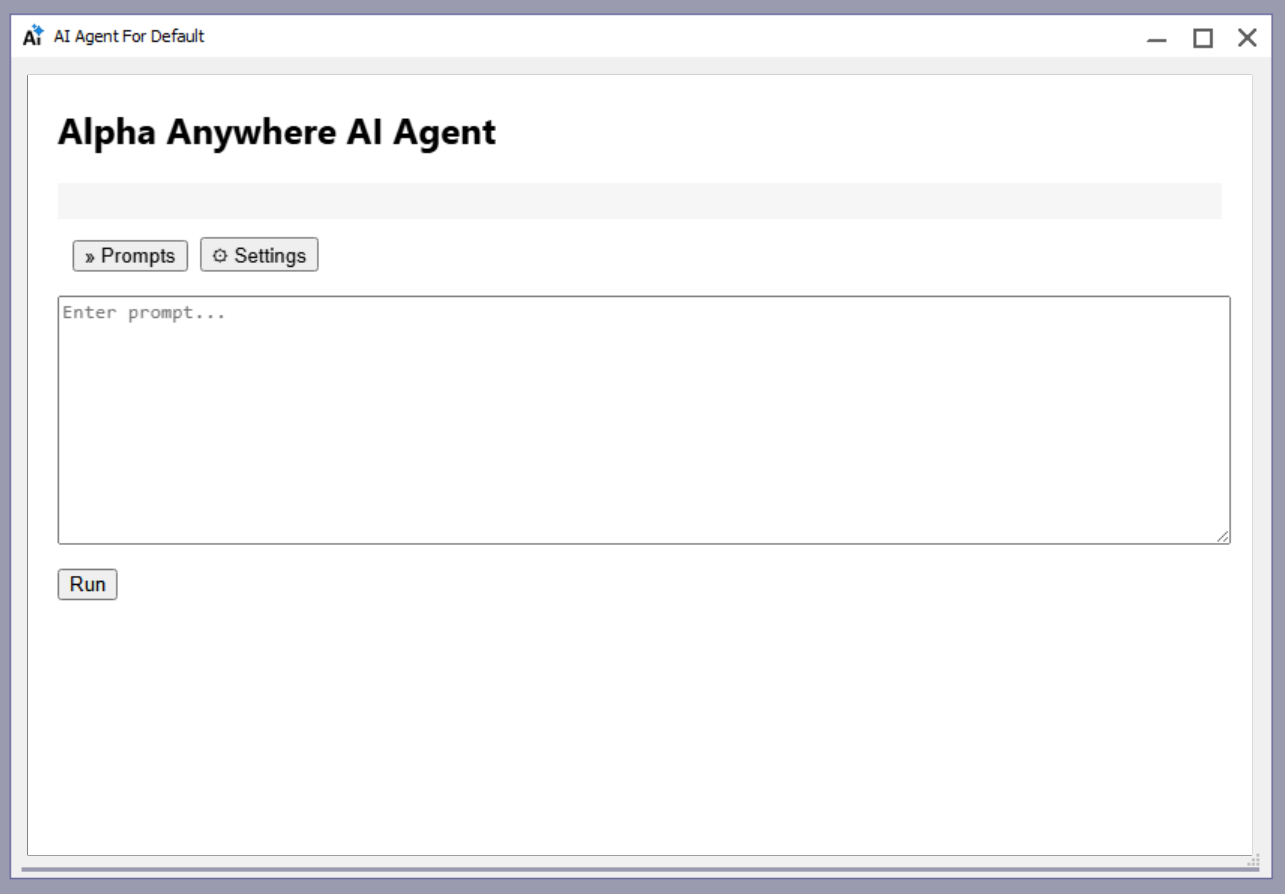
Open the Web Control Panel and select the AI Agent to start a new prompt.
Usage
Type a prompt to perform an action. Be specific about what you want created or changed.
- Create a new web page
- Edit an existing web page
- Create Xbasic function libraries
UI Overview
- Prompt + Run
Submit a prompt to the agent.
- Output
Rendered HTML output; toggle Show Raw for markdown.
- Prompts
Sidebar list of prior prompts saved to AiPrompts.
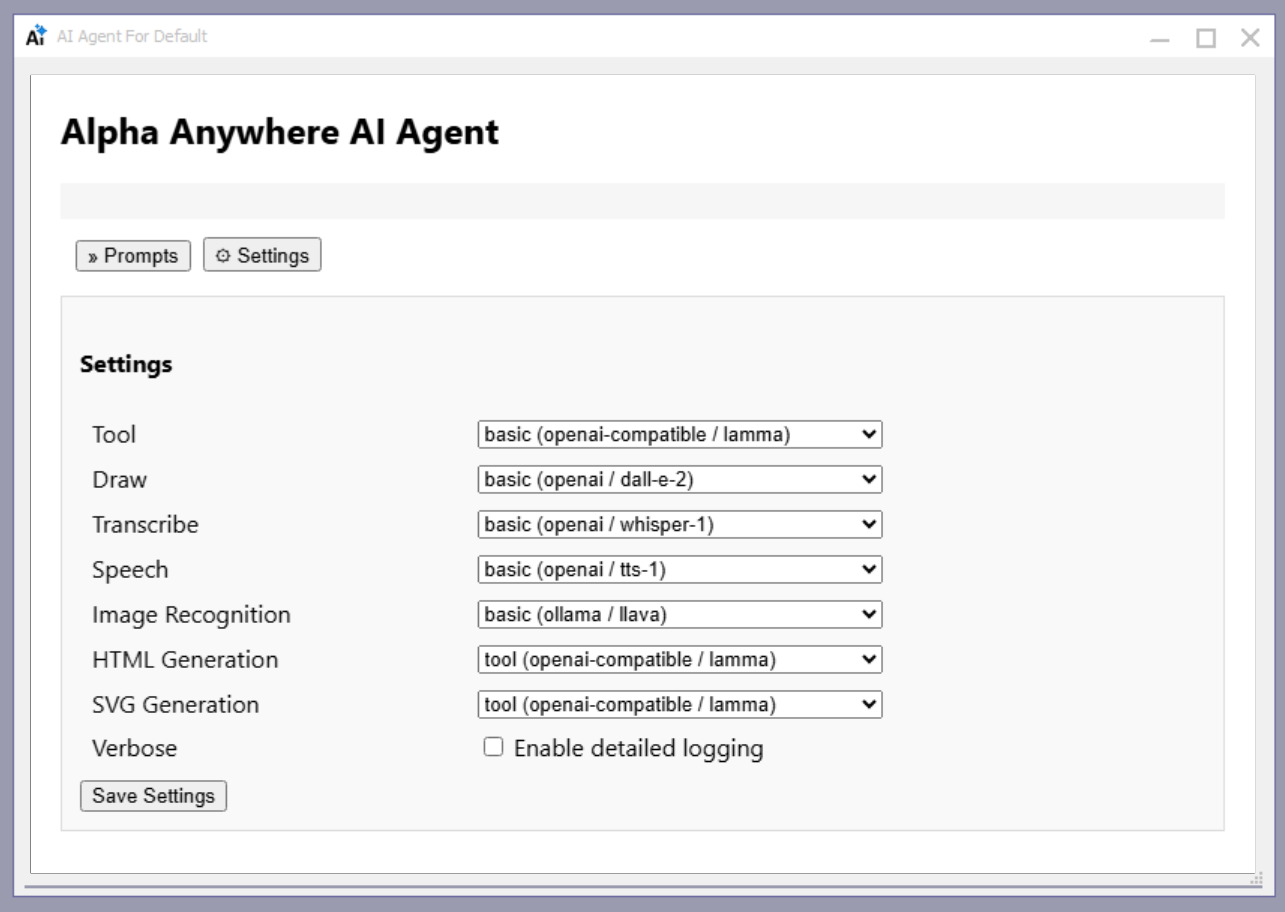
- Settings
Effort level selection per category and verbose logging.
- Abort
Cancels the current run.
Settings
Settings are persisted in .aisettings/settings.json under the workfolder so effort selections and verbose state are remembered.
If a provider section has basic/better/best, those are shown. If not, it is treated as basic.
Each category has a tool option (use the current tool model) plus any provider-specific efforts.
When enabled, the agent includes more detail in the log output.
- Tool
Core tool-calling model.
- Draw
Image generation.
- Transcribe
Audio transcription.
- Speech
Text-to-speech.
- Image Recognition
Overrides the default tool model for image analysis.
- HTML Generation
Overrides the default tool model for HTML output.
- SVG Generation
Overrides the default tool model for SVG output.